Lighting on my GPX
This page brings together the lighting changes on my GPX, from auxiliary lights and indicators to the other details of the setup.
GPX Legend Twin 250 tuning · Watch on YouTube ↗
The lighting in action
Two more videos of the lighting setup on my GPX: the front display, turn signals, auxiliary lights operating as turn signals, and rear lights with a flame effect.
Lighting upgrades in action — first demonstration · Watch on YouTube ↗
Lighting upgrades in action — second demonstration · Watch on YouTube ↗
Homemade displays and a throttle-controlled flame
I built the front and side displays myself from strings of addressable RGB LEDs. The 12 V to 5 V converter is mounted on the back of the left rear display. The effects are controlled by my TrueKeylessGPX module.
The flame effect is generated algorithmically, with its size and speed responding to the throttle position. At some point, I’ll record a video showing how it works while riding.
In principle, you could try building these displays yourself using an Arduino, but there are quite a few details and subtleties that I cannot cover in a short article.
Making the auxiliary lights flash
Getting the auxiliary lights to flash is much simpler. Any motorcycle mechanic should be able to do it with two five-pin automotive relays. The principle is straightforward: the normally closed contacts of each relay are wired in series with the corresponding auxiliary light, while the relay coils are driven by the corresponding turn-signal lamp circuits.
From the workbench
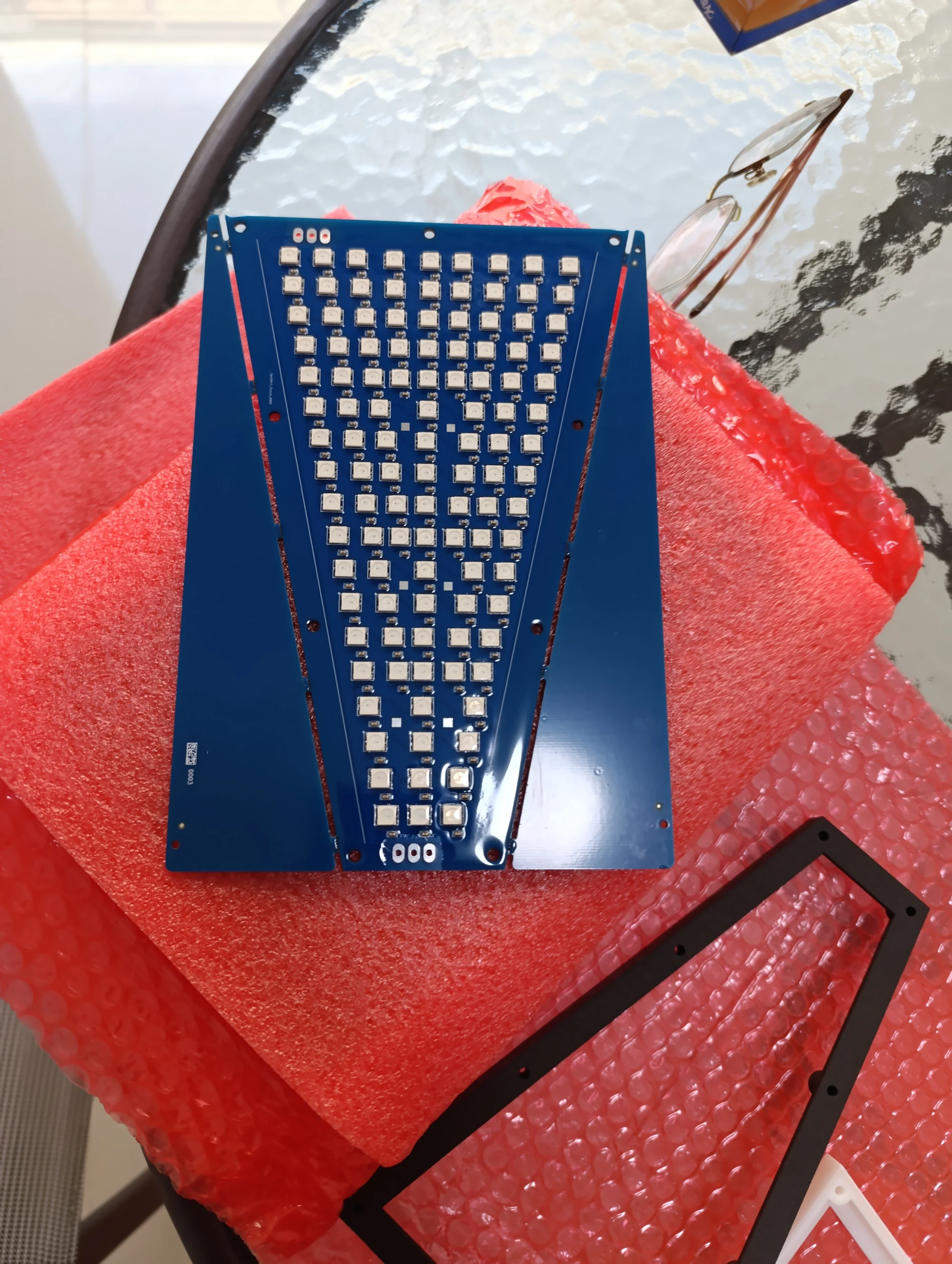
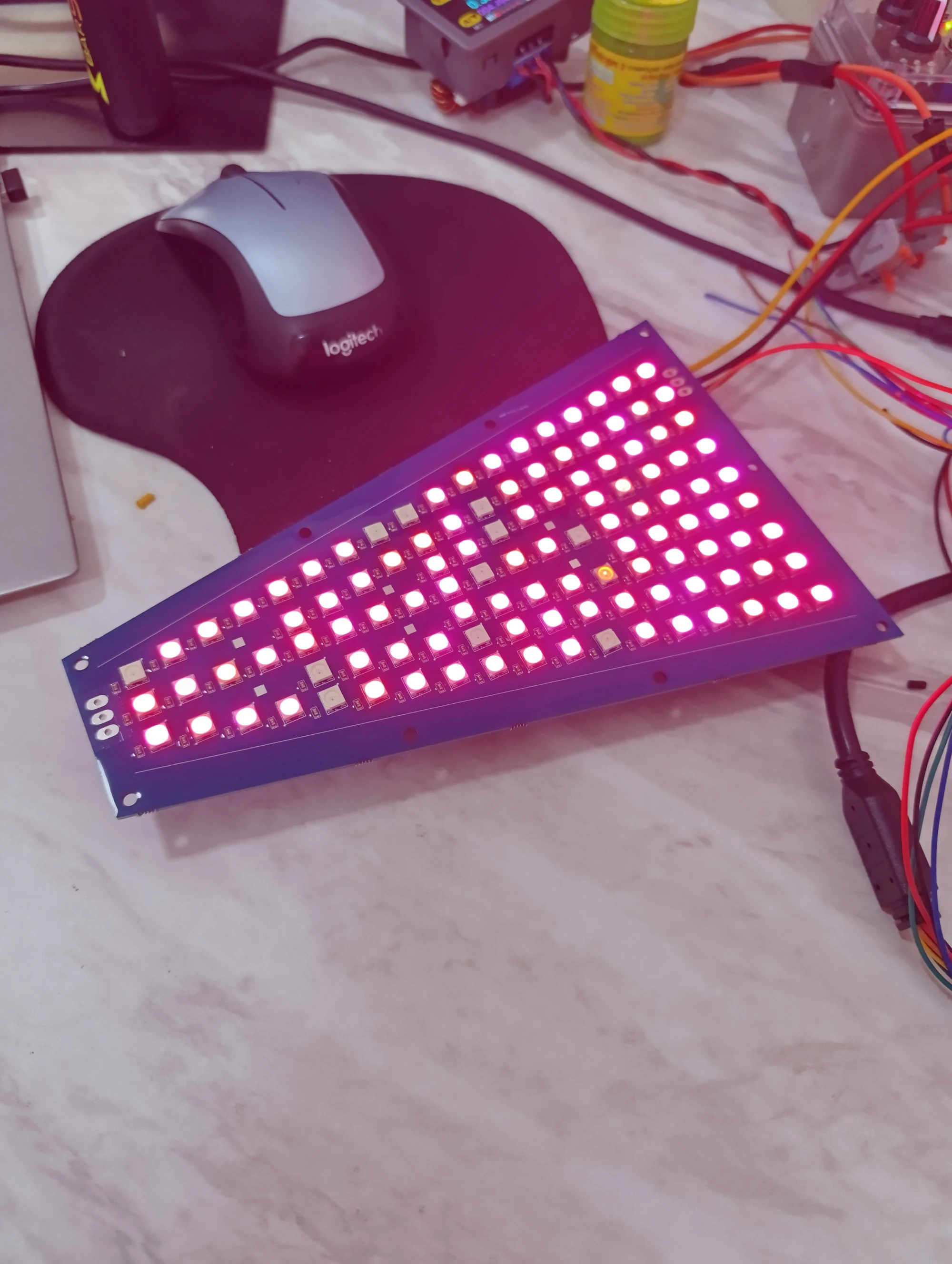
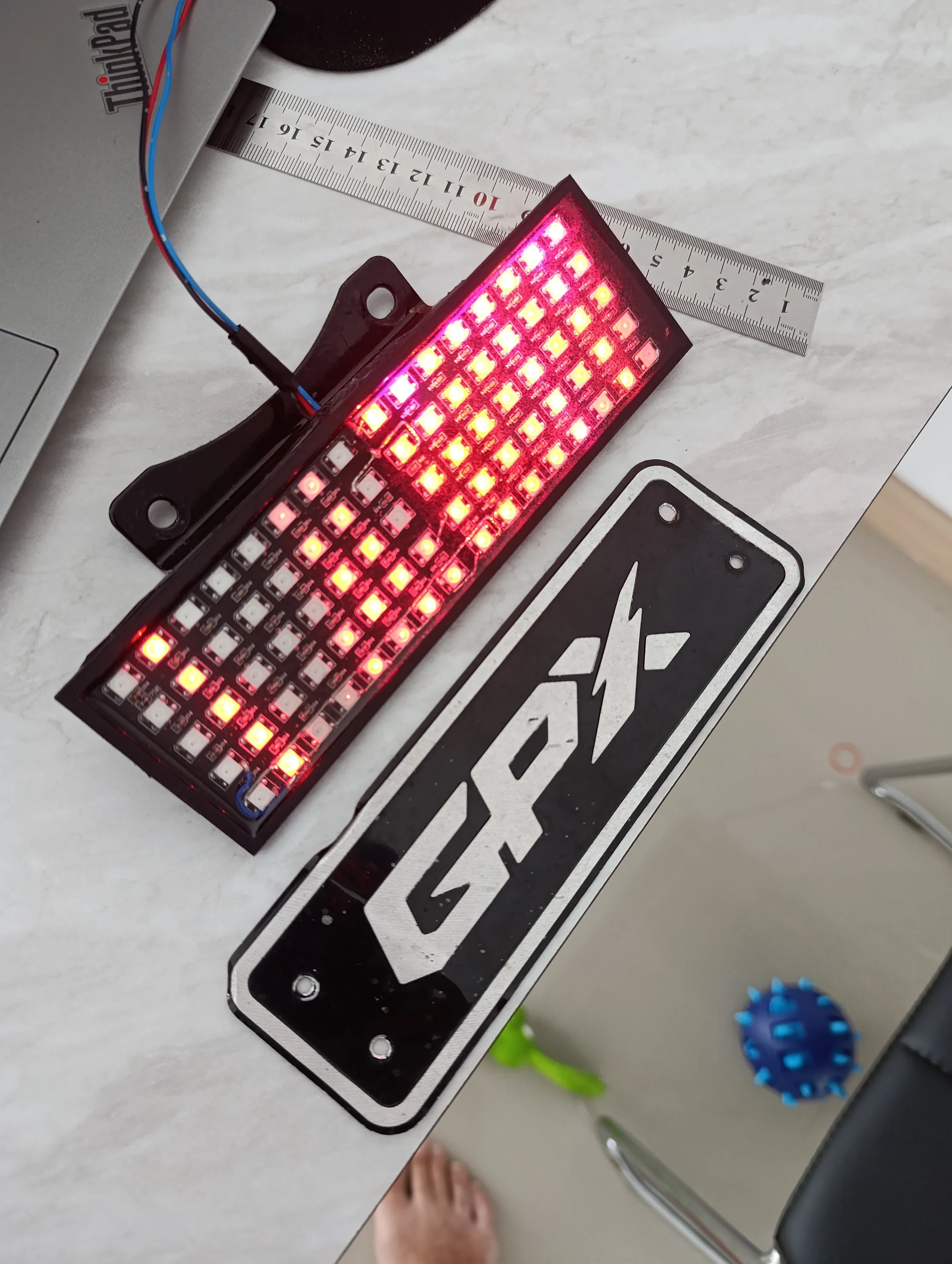
Part of my GPX 250 Twin Brighton workshop journal.
Back to all modifications