The switch still expresses the rider’s intent
A brief click (OFF-ON-OFF) requests a short burst of flashes for a lane change. The manual describes three flashes; the app also exposes a three/four-flash setting and an adjustable click threshold. Holding the switch longer selects continuous signalling in the configured mode.
There are three modes: conventional manual operation, automatic cancellation after time or distance, and smart cancellation based on the progress of a manoeuvre. Turning the switch off manually cancels flashing in every mode.
Three flashes from a short click
This video demonstrates the three-flash setting: a brief OFF-ON-OFF click of the turn-signal switch triggers three flashes for a lane change, then the signal auto-cancels.
Three-flash demonstration · Watch on YouTube ↗
Why one timer is not enough
Waiting at a junction is different from changing lanes. The smart algorithm uses speed, distance, elapsed time and braking context to distinguish those situations. It infers a manoeuvre from vehicle behaviour rather than directly measuring the steering angle.
| Situation | Behaviour described in the manual |
|---|---|
| Starting from rest | Below 2 km/h at activation: flash for at least 5 seconds, then auto-cancel once speed reaches 30 km/h or distance reaches 50 m. |
| Higher-speed lane change | Above 60 km/h at activation: auto-cancel after 10 seconds, unless speed falls into the turn-tracking range. |
| No braking or significant slowing | In the lower-speed turn-tracking mode: auto-cancel after 100 m. |
| Slowing or braking, without a stop | Auto-cancel after gaining 15 km/h from the minimum speed, 6 seconds of continuous acceleration, or 40 m of continuous acceleration. |
| Moving after a full stop | Auto-cancel after reaching 30 km/h or travelling 50 m from the stop. |
These are the values presented in the manual, not a fixed calibration for every rider. Time, speed and distance thresholds can be changed in the app.
Following the turn
If the bike slows or brakes, the algorithm tracks the minimum-speed point as a possible turn. Acceleration away from that point provides evidence that the manoeuvre is finishing. A full stop switches the logic to movement away from the stop.
This is the part of the project that interests me most: the electrical inputs are simple, but the behaviour needs to make sense in traffic.
The hardware behind the behaviour
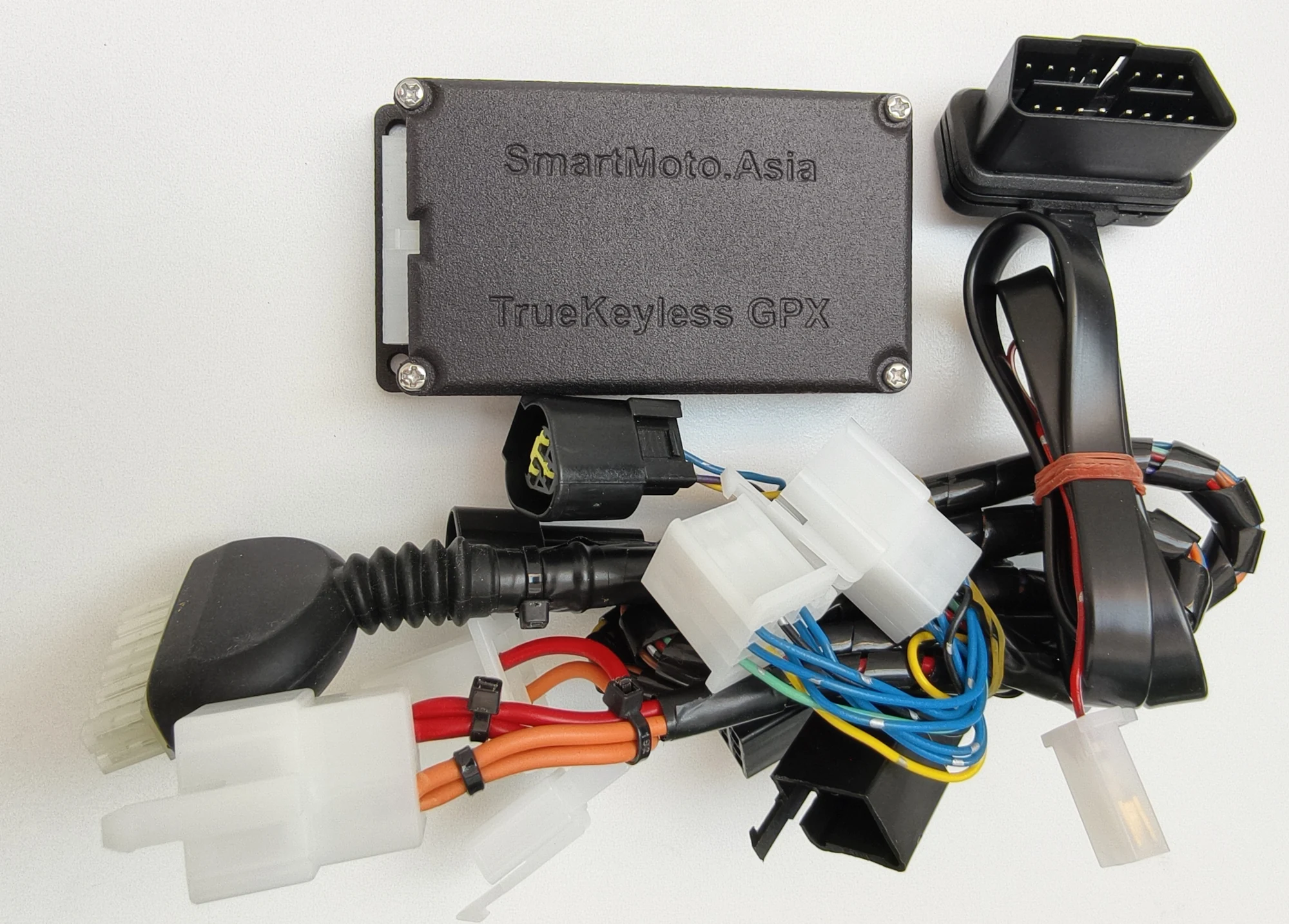
The cluster connector map identifies speed and the two indicator lines. That investigation gave me the electrical context for integrating the function with the GPX.
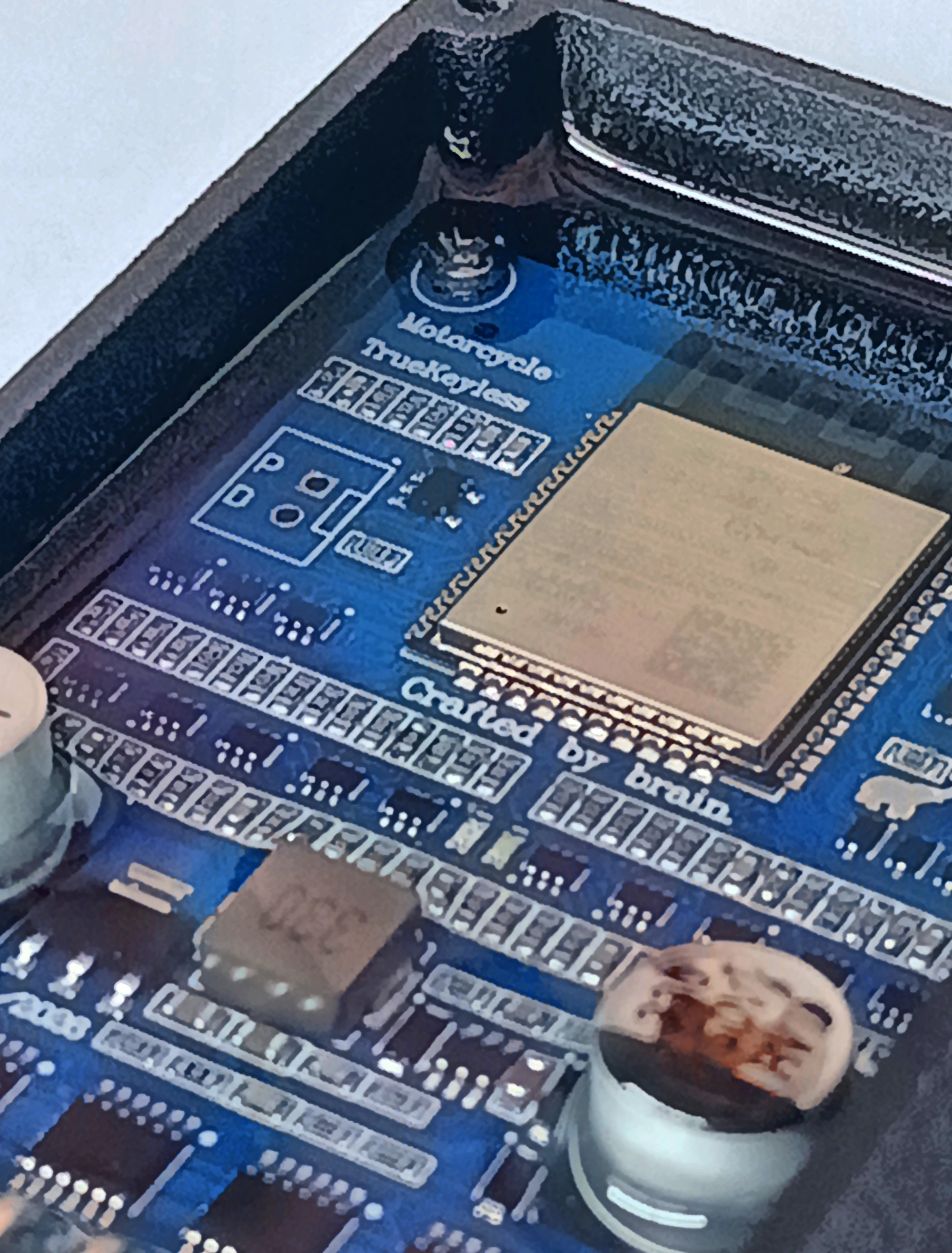
The app separates general indicator behaviour, speed thresholds, and distance/time thresholds into settings tabs. I will add road examples and the exact configuration used on my bike alongside those records.
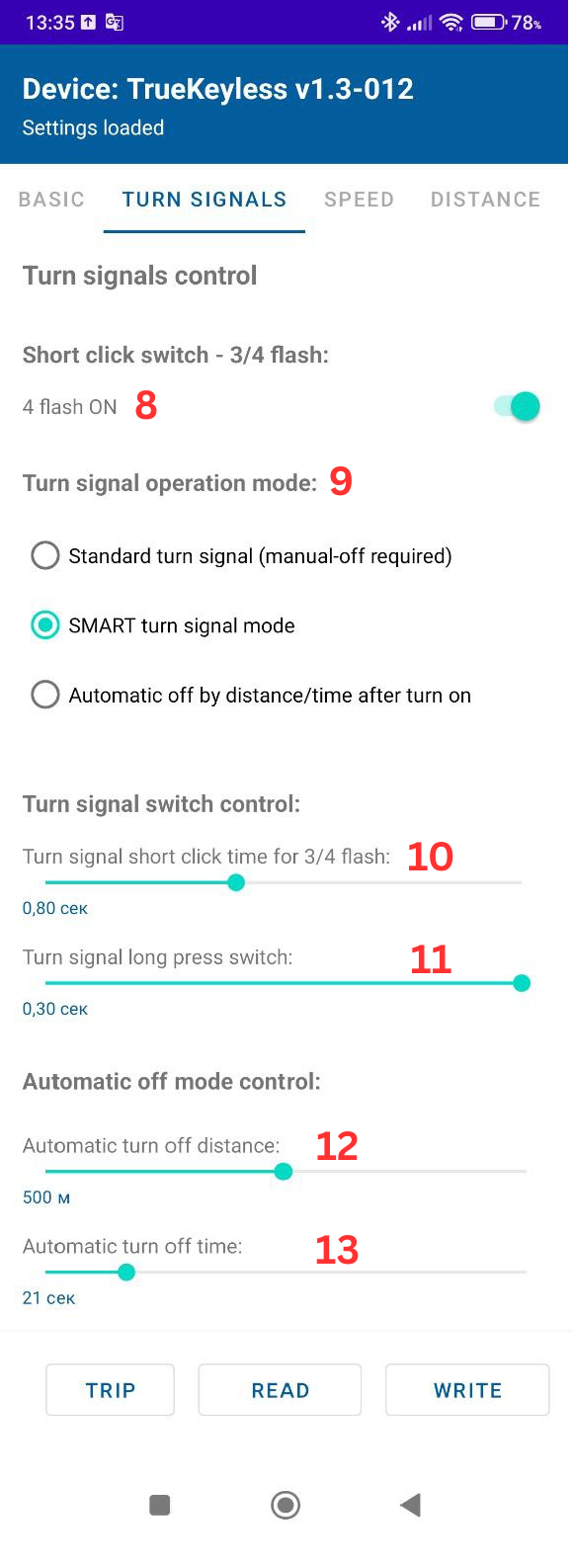
Setting the behaviour
The app provides the settings for short taps, continuous signalling and automatic cancellation. This annotated screen is a reference for the controls described above.
Operating details adapted from my TrueKeylessGPX user manual. The manual remains the reference for setup and operation.
Part of my GPX 250 Twin Brighton workshop journal.
Back to all modifications